> ## Documentation Index
> Fetch the complete documentation index at: https://docs.pangolin.net/llms.txt
> Use this file to discover all available pages before exploring further.
# Integration API
> Learn how to use Pangolin's REST API to automate and script operations with fine-grained permissions
Fastest way to get started with Pangolin using the hosted control plane. No credit card required.
Pangolin is in heavy development. The REST API routes and behavior may include breaking changes between updates. We will do our best to document large changes.
The API is REST-based and supports many operations available through the web interface. Authentication uses Bearer tokens, and you can create multiple API keys with specific permissions for different use cases.
For self-hosted editions, the integration API must be enabled. Check out [the documentation](/self-host/advanced/integration-api) for how to enable the integration API.
## Authentication
All API requests require authentication using a Bearer token in the Authorization header:
```bash cURL theme={"theme":"gruvbox-light-hard"}
curl -H "Authorization: Bearer YOUR_API_KEY" \
https://api.example.com/v1/
```
```javascript JavaScript theme={"theme":"gruvbox-light-hard"}
const response = await fetch('https://api.example.com/v1/endpoint', {
headers: {
'Authorization': `Bearer ${apiKey}`
}
});
```
```python Python theme={"theme":"gruvbox-light-hard"}
import requests
headers = {'Authorization': f'Bearer {api_key}'}
response = requests.get('https://api.example.com/v1/endpoint', headers=headers)
```
## API Key Types
Pangolin supports two types of API keys with different permission levels:
### Organization API Keys
Organization API keys are created by organization admins and have limited scope to perform actions only in that organization.
### Root API Keys
Root API keys have some extra permissions and can execute operations across orgs. They are only available in the fully self-hosted editions of Pangolin:
Root API keys have elevated permissions and should be used carefully. Only create them when you need server-wide access.
## Creating API Keys
Navigate to your admin panel:
* **Organization keys**: Organization → API Keys
* **Root keys**: Server Admin → API Keys (self-hosted only)
Click "Create API Key" and provide a descriptive name for the key.
Select the specific permissions your API key needs from the permissions selector.
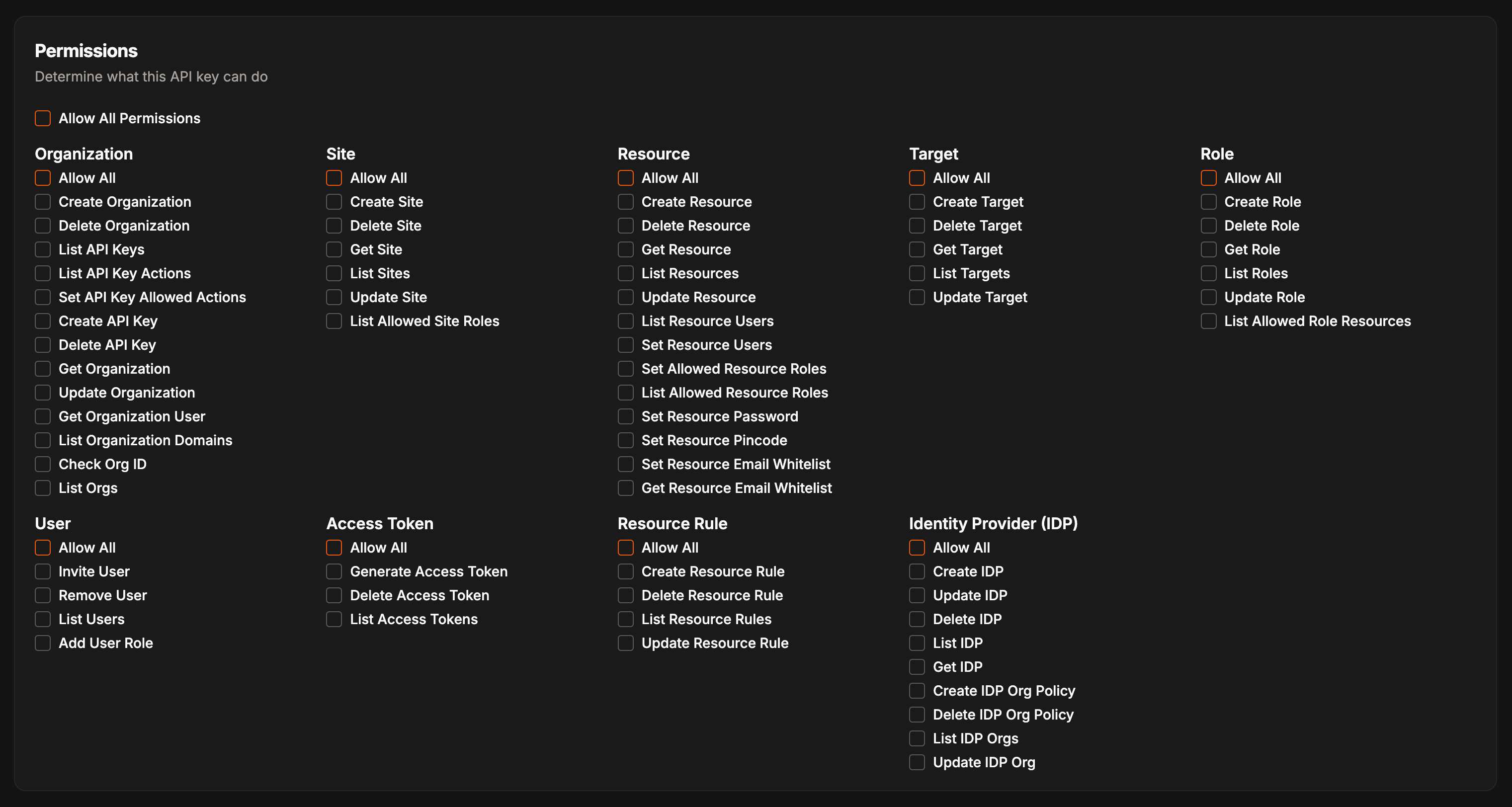 Copy the generated API key immediately. It won't be shown again.
Store API keys securely and never commit them to version control. Use environment variables or secure secret management.
## API Documentation
For a minimal walkthrough of common flows (sites, resources, targets, assigning roles and users), see [Common API Routes](/manage/common-api-routes).
View the full Swagger docs here: [https://api.pangolin.net/v1/docs](https://api.pangolin.net/v1/docs).
Interactive API documentation is available through Swagger UI:
Copy the generated API key immediately. It won't be shown again.
Store API keys securely and never commit them to version control. Use environment variables or secure secret management.
## API Documentation
For a minimal walkthrough of common flows (sites, resources, targets, assigning roles and users), see [Common API Routes](/manage/common-api-routes).
View the full Swagger docs here: [https://api.pangolin.net/v1/docs](https://api.pangolin.net/v1/docs).
Interactive API documentation is available through Swagger UI:
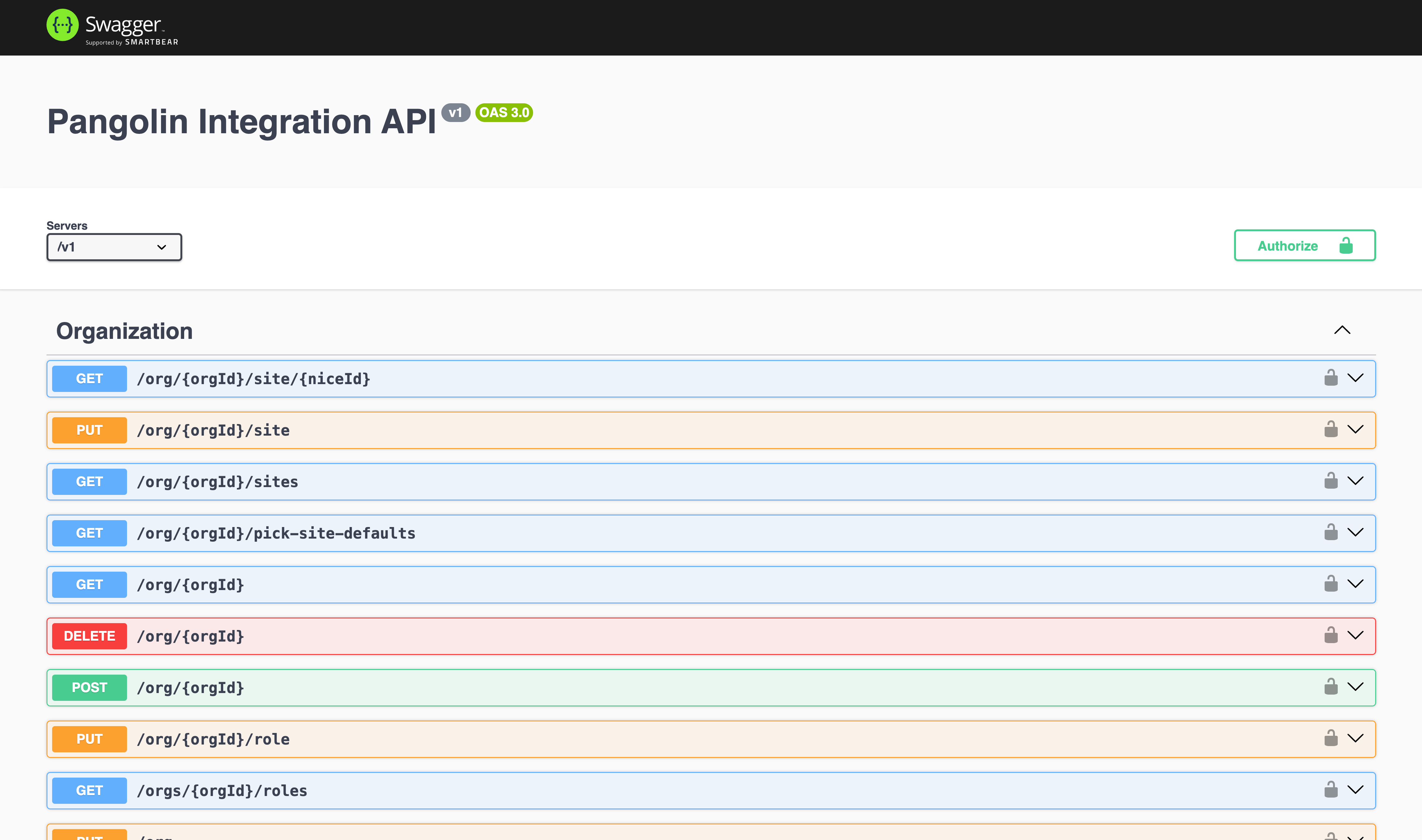 For self-hosted Pangolin, access the documentation at `https://api.your-domain.com/v1/docs`.