

How Pangolin Works
Learn about the fundamentals of Pangolin and how they work together.
This page explains Pangolin's concepts: the server, sites, resources, users, and clients. Read it first. For a more technical picture of the software components and how they interact, see System Architecture after this page.
Basic Steps
Make remote networks available with sites
Access remote networks using site connectors. Pangolin's lightweight connectors use intelligent routing and NAT traversal to make any network anywhere available. Once a site is created, you can access resources on that network from anywhere.
Define resources
Create resources for the things users should reach on the network of your site. Each resource follows a protocol: HTTPS in the browser, an IP or network range over the client, SSH, remote desktop, LLM access, and more. Resources can be public or fully private.
Users access resources
Authenticated users access resources via the protocol of the resource. Commonly, public resources are accessed through a web browser, while private resources are accessed through a Pangolin client. The same users, roles, and policies apply across both. Users don't think about connecting to a site, they just access resources and Pangolin routes to the right connector automatically.
Key Concepts
Pangolin relies on several components that work together to provide secure networking. Each component has a specific role in ensuring that only authenticated users can access the resources they are authorized to use.
Pangolin Server
The Pangolin server is the central coordination component for your network. It stores configuration changes, manages access policies, and coordinates connections between clients and sites. The server handles user authentication, generates access control lists that determine what resources each user can reach, hosts the UI and API, and more. It is the brains of your Pangolin network.
You can use Pangolin Cloud, which is fully managed, or you can self-host your own Pangolin server for complete control over your infrastructure and data. See Pangolin Cloud vs. Self-Hosted.
Try free on Pangolin Cloud
Fastest way to get started with the fully managed control plane.
Sign up free
Sites
Sites connect remote networks to your Pangolin server. They use Pangolin Site connectors (sometimes referred by their engineering name, "Newt") to create secure tunnels from remote networks back to Pangolin. Sites let you expose resources on those networks to authorized users.
Sites are an expected to entirely be managed by administrators and are typically set-and-forget. Users don't need to know about sites, they just access resources that are available on the site.
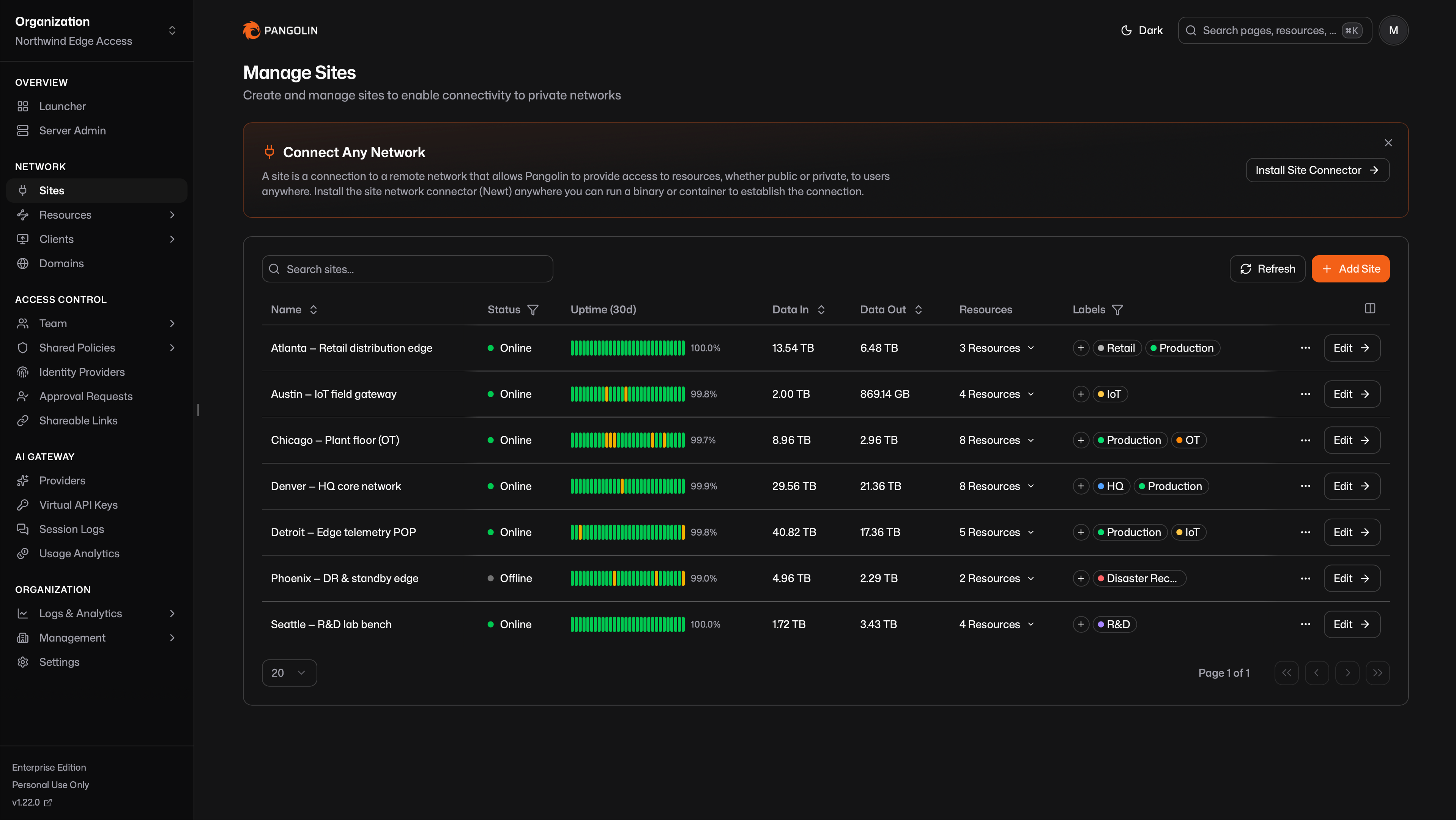
Sites run behind firewalls on remote networks. They maintain outbound connections to the Pangolin server. By default, sites block all traffic until you define resources and grant access. This ensures that just deploying a site does not expose any network resources.
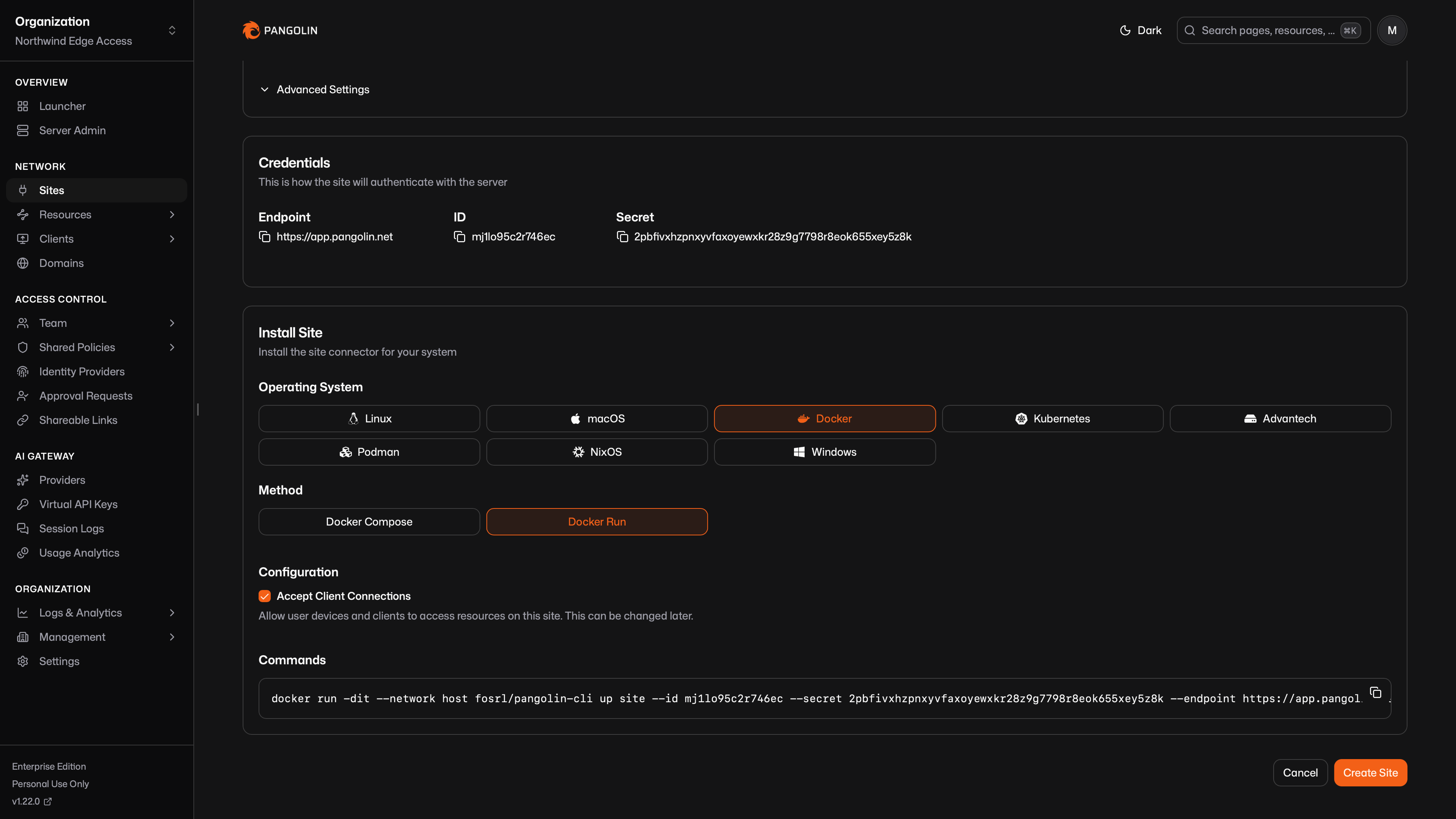
When private resources (VPN-like access) are used, clients connect directly to the site connector using peer-to-peer (P2P) NAT traversal. If the client is on the same network as the site connector, it will use the local network address.
The site connector is very intelligent and handles tunnel creation, NAT traversal, and routing. It makes remote networks available without requiring complex firewall rules or public IP addresses. They also unlock browser-based SSH, RDP, and VNC resources, private HTTP with edge TLS termination, intelligent multi-site routing when the same resource is reachable from more than one location, and much more.
Resources
Pangolin is resource-based. A resource is the unit of access: you define it, grant users and roles, and Pangolin routes only authorized traffic. Users connect to resources, not to sites.
Resources follow different protocols depending on what you are exposing (for example, but not limited to):
- An HTTPS app, available in the browser
- An IP address, reached through the Pangolin client
- A network range, reachable through the Pangolin client
- An AI Gateway resource for LLM access
- Remote desktop
- SSH
The access model stays the same while the protocol changes.
Public resources are publically available proxies to your Pangolin server. Often, these are exposed as a public FQDN, like a website available in the web-browser or an API.
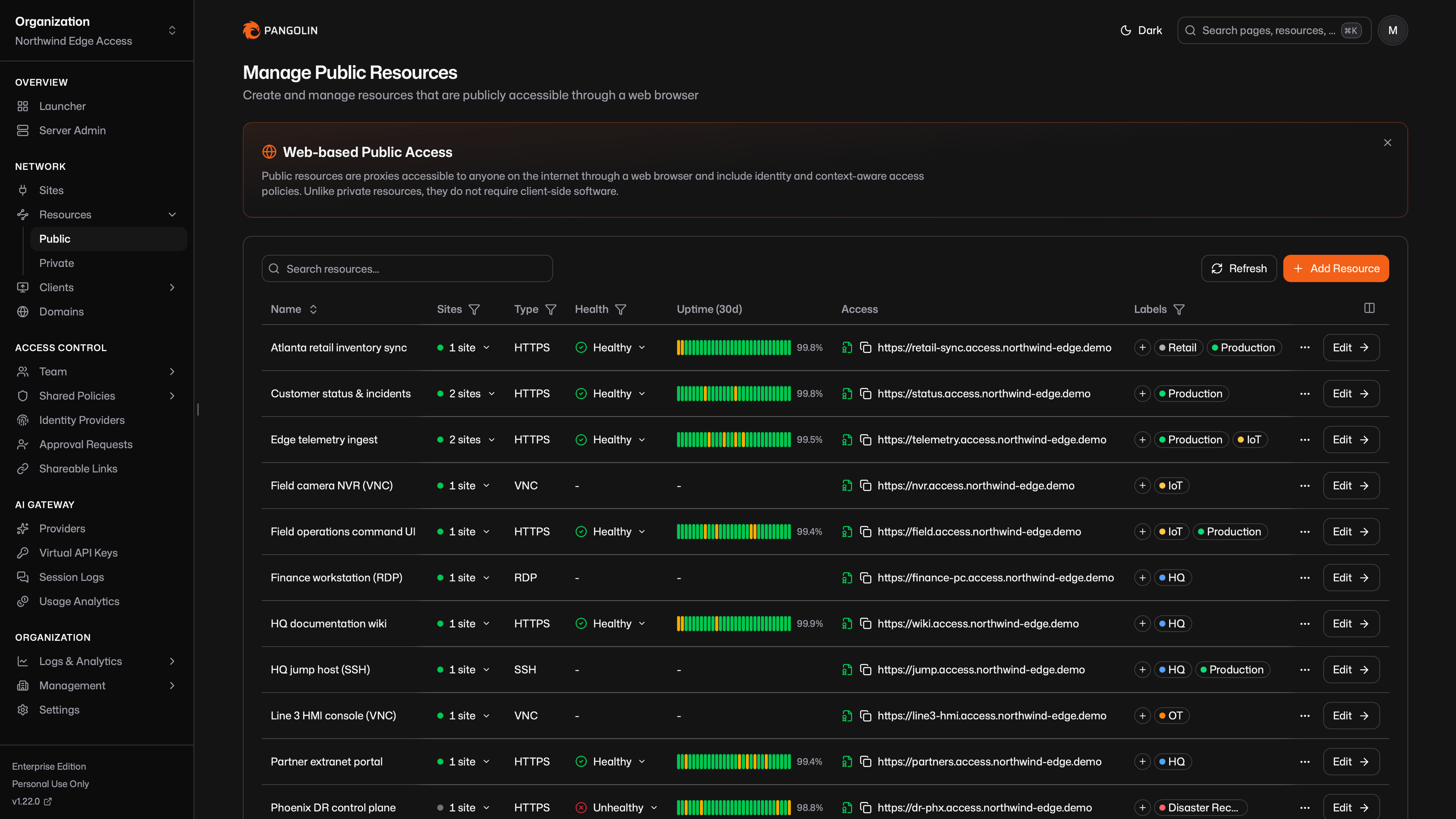
Private resources require a Pangolin client connection and stay off the public internet. They are for VPN-like, fully private access to resources on your remote network.
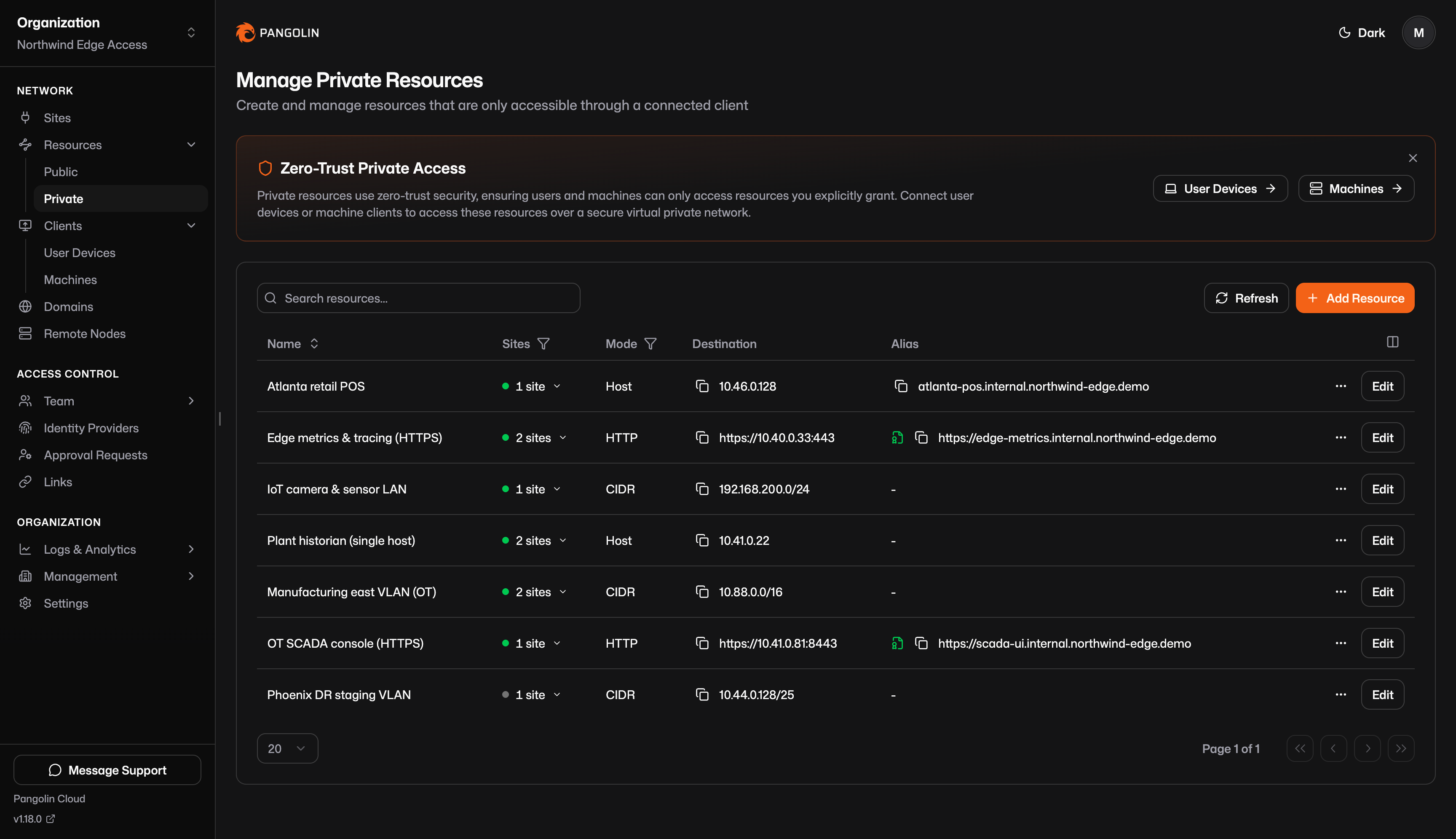
You must define resources and assign access before users can reach them. By default, no resources are available on sites. This ensures that only explicitly defined resources can be accessed.
Resource Launcher
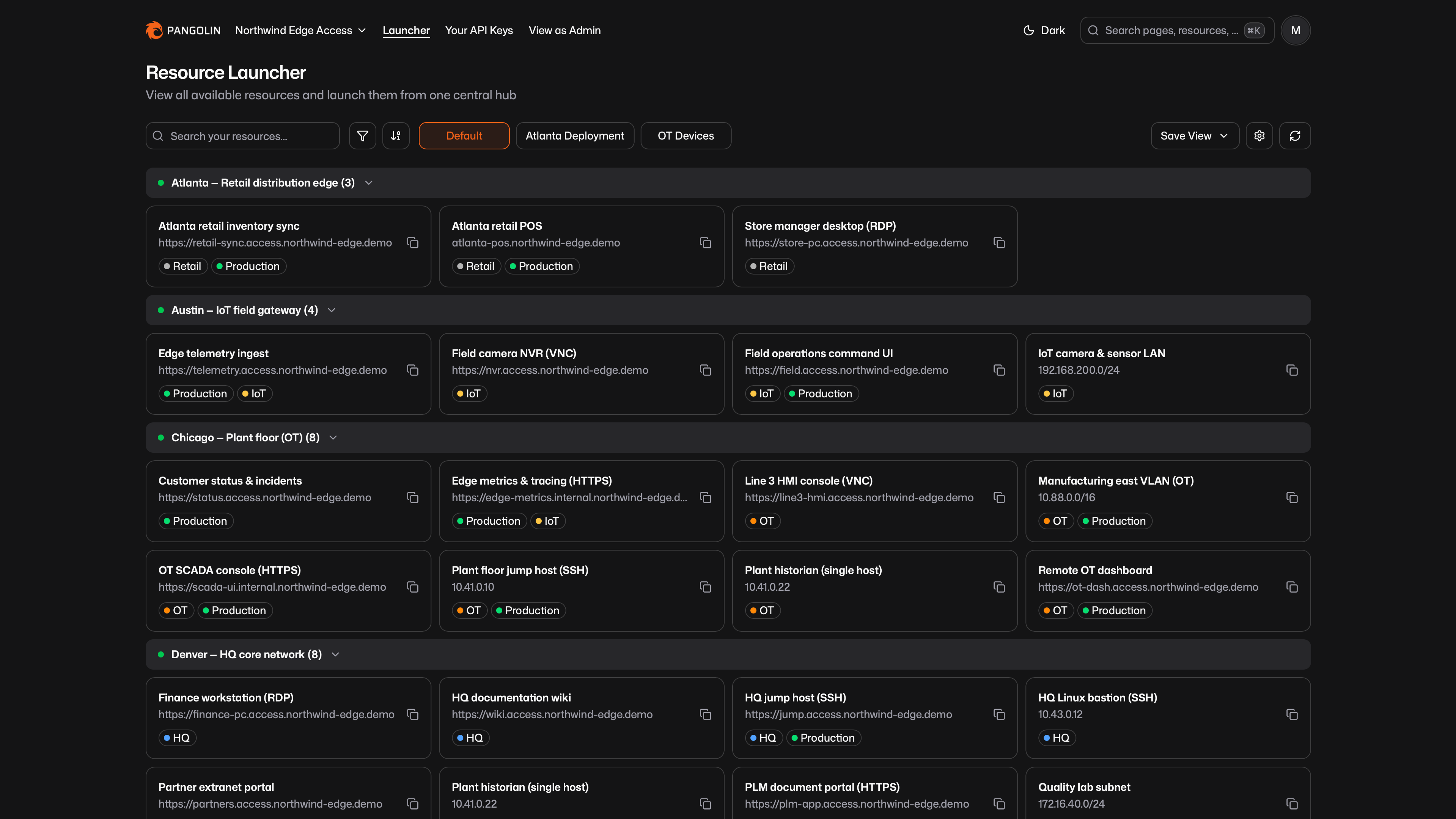
The Resource Launcher is the dashboard your users (non-admins) see. It lists every resource they are allowed to access in one place, grouped by site or label, with search and filters. Users open a web app, copy a hostname, or launch a private resource from that hub.
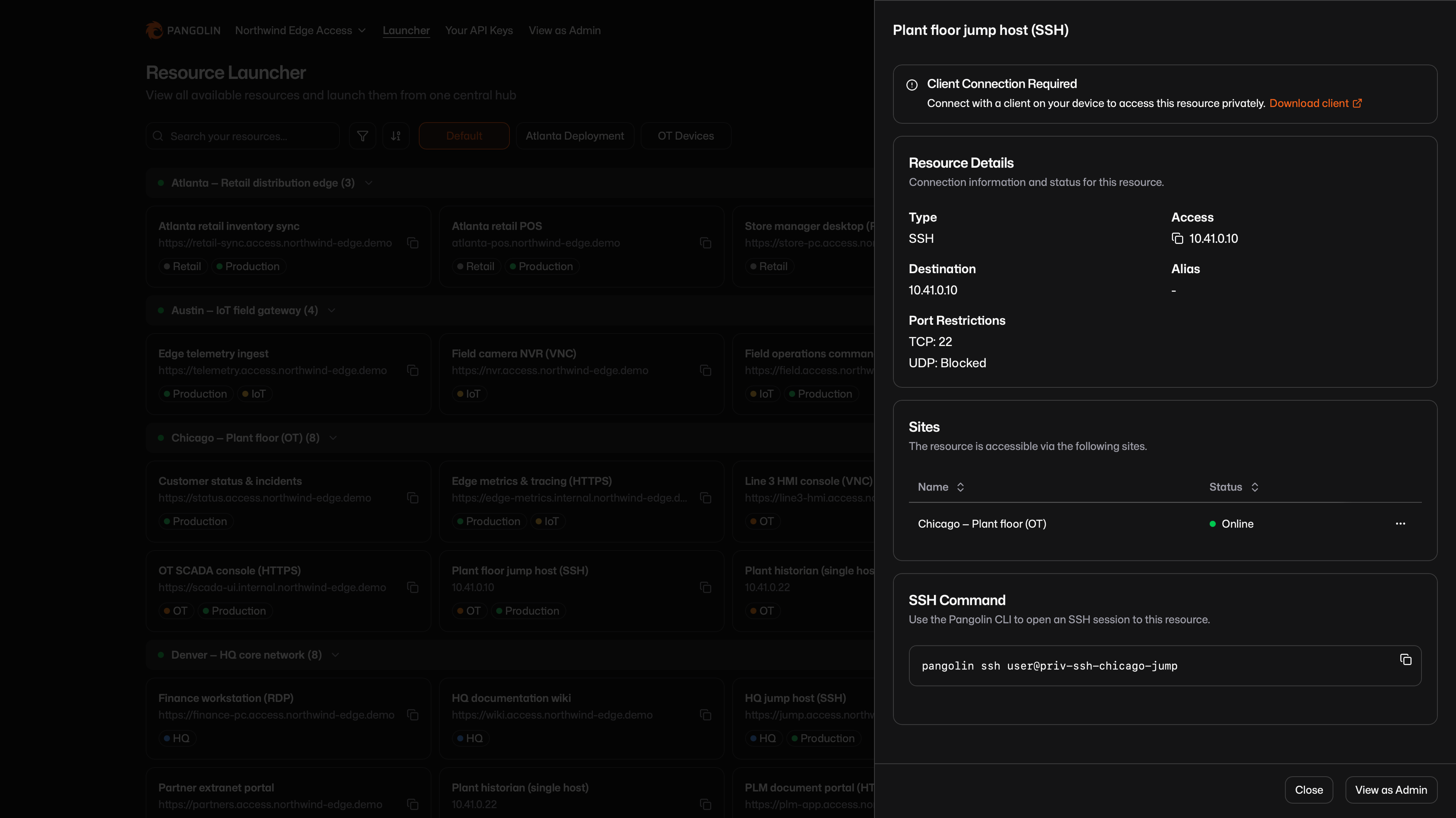
Selecting a resource always expands a panel with the details that matter for that type: URL or alias, how to connect, and any extra setup. The screenshot below is an AI Gateway example. The same panel is used for every resource.
Users and Roles
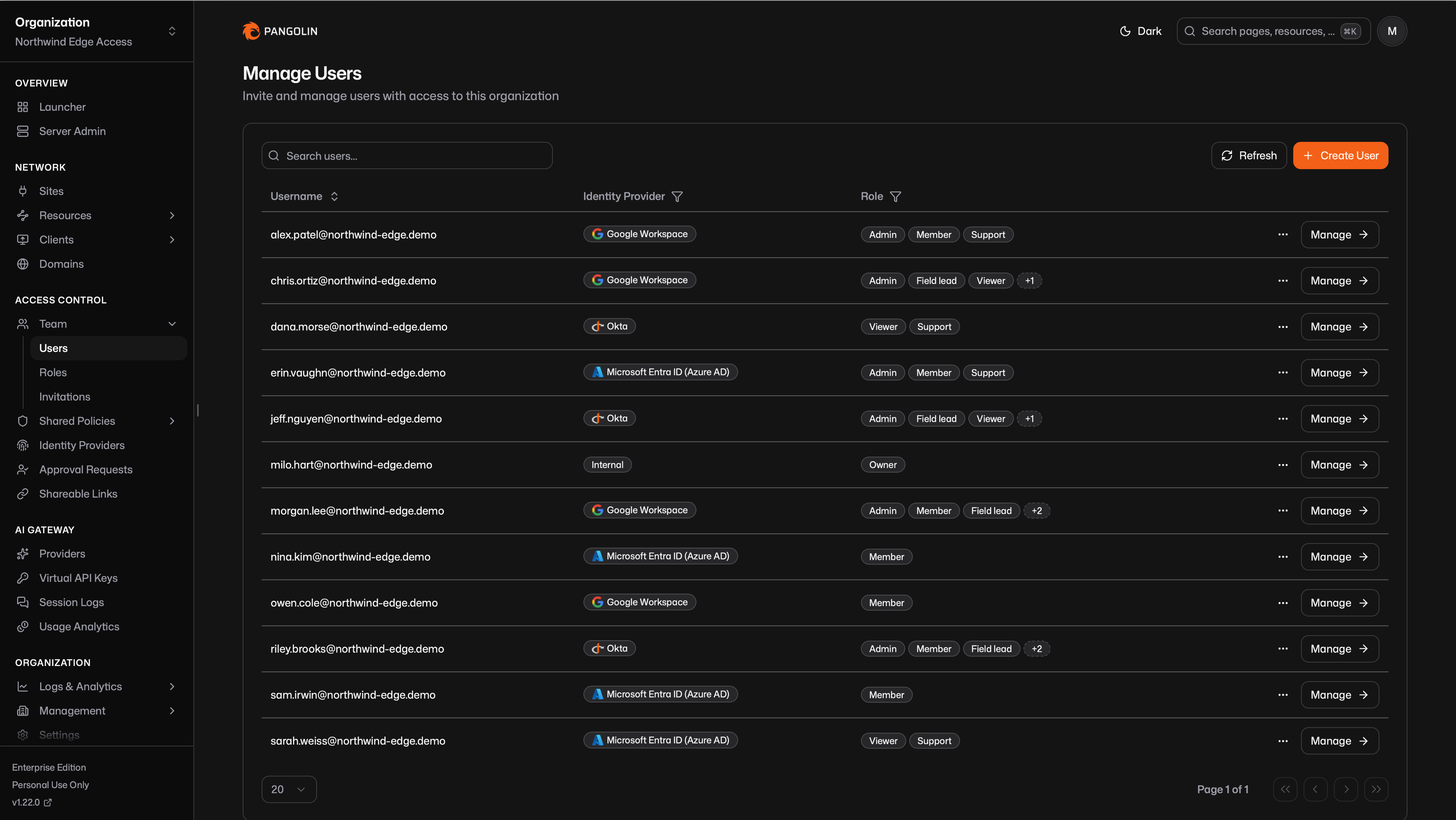
Identity lives in the same control plane as sites and resources. You manage your team in one place: Pangolin users, identity providers, and the roles that grant access.
Use Pangolin's built-in users, or bring Google Workspace, Microsoft Entra ID, Okta, or any OIDC provider. Users authenticate once. That identity applies to the dashboard, browser resources, the Pangolin client, the AI Gateway, and everything else.
Roles group people for RBAC. You assign roles on each resource, so access follows the team rather than a separate list per protocol. A user's effective access is the union of what their roles can reach. The same users and roles apply to public resources, private resources, and AI Gateway resources.
Add an Identity Provider
Let users sign in with Google, Microsoft Entra ID, Okta, or any OIDC provider.
Clients
Clients are software components installed on user devices or machines. They let users and automated systems connect directly to sites to access private resources through a secure tunnel. Clients also enforce access control and security at the edge.
Users authenticate through the client with their user credentials in a web login flow. Machines connect with machine client credentials. Once connected, users can reach all resources their account has access to. The client handles routing decisions and establishes encrypted tunnels to the appropriate sites.
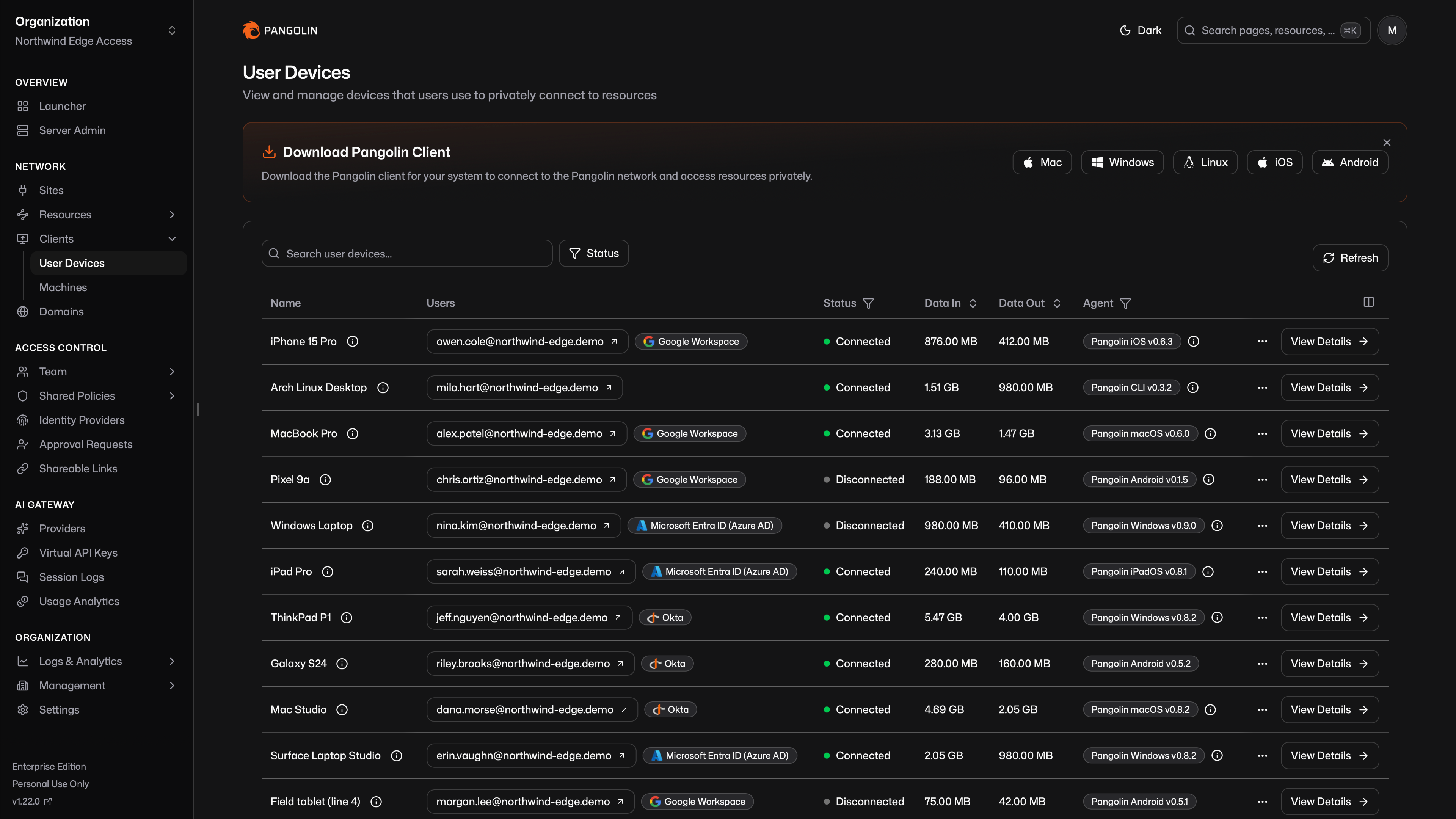
Clients are available on all major platforms. They work transparently with applications, so no application configuration is required.
AI Gateway
An AI Gateway is a special resource type for LLM access. It is protocol-aware, in the same way an HTTPS resource understands HTTP.
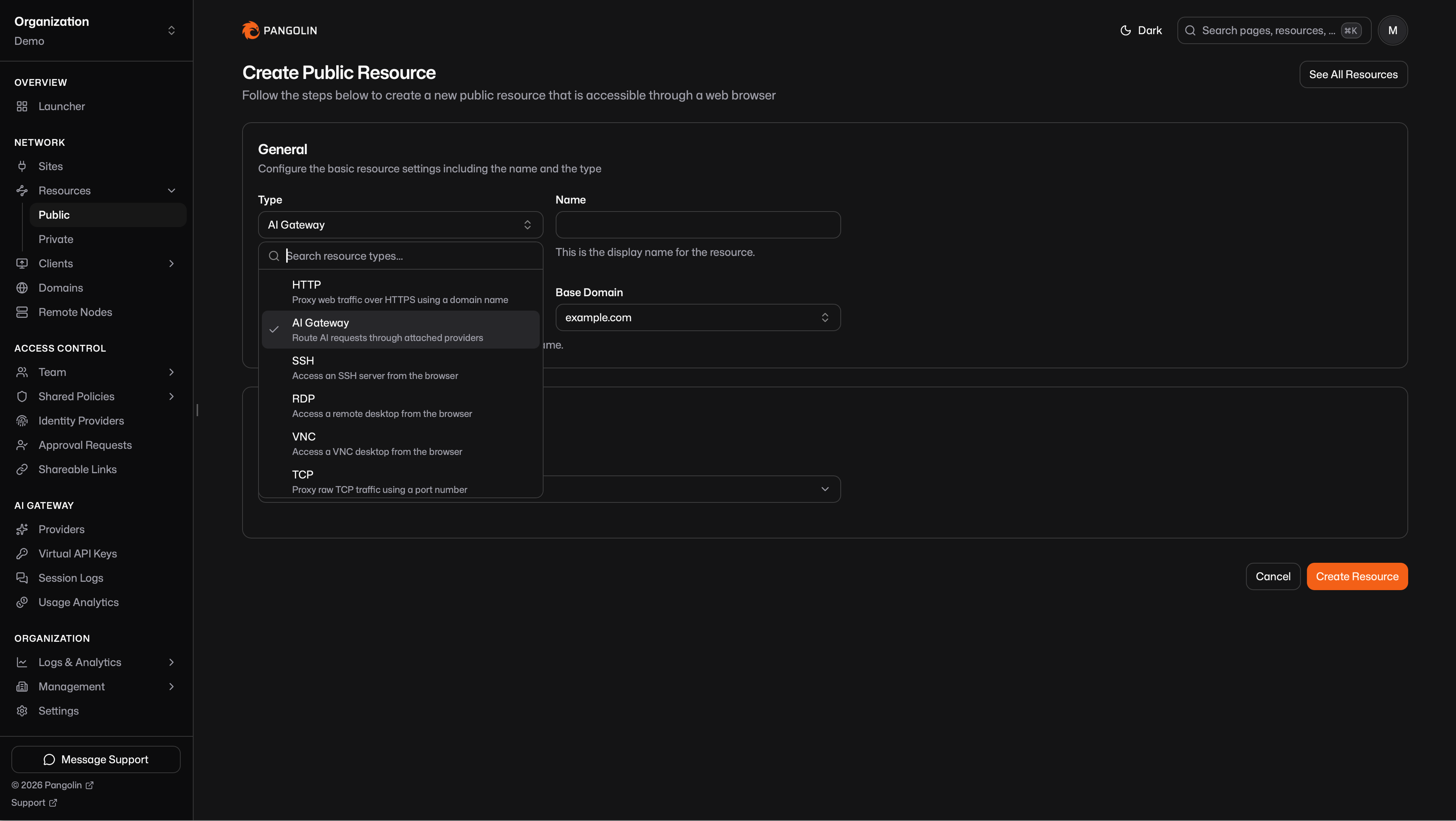
Pangolin already inspects HTTPS traffic to apply identity, access rules, request logs, and analytics. An AI Gateway resource does the equivalent for model APIs. Because the gateway understands the LLM protocol, it can attribute each call to a user, record cost and token usage, keep chat session history, and enforce who can use which models and budgets.
Access is identity-based. You grant users and roles on the resource the same way you do for HTTPS or SSH. Pangolin then decides which models that identity may call and whether a budget still allows the request.
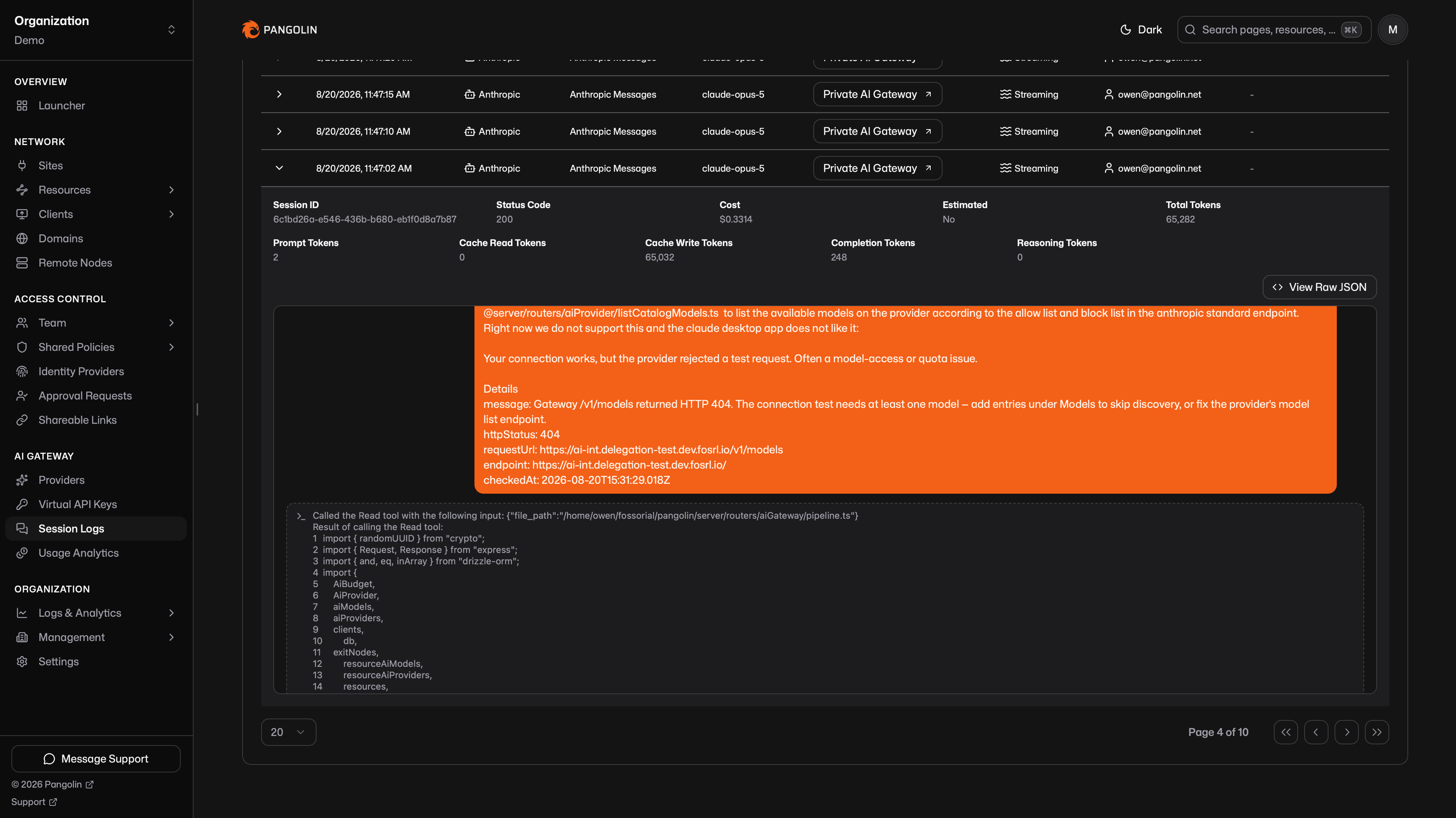
A private AI Gateway uses the Pangolin client the same way every other private resource does. The client running on the end user's device already authenticated that user. Coding agents on that device call the resource over the tunnel, and Pangolin attributes the request to the connected identity. That eliminates provider API keys on the laptop: the upstream key stays on the provider.
Read more about AI Gateway
Set up providers, resources, and identity-based access for coding agents and AI clients.
Remote Nodes
Remote nodes are self-hosted Pangolin servers that you control while using Pangolin Cloud for management and coordination. You maintain complete control over your infrastructure and data flow, while the cloud handles the control plane, DNS, certificate management, and backups.
You can deploy multiple remote nodes for high availability and automatic failover. If your nodes become unavailable, traffic can optionally fail over to cloud infrastructure until you restore service.
Read more about remote nodes
Learn about remote nodes and how they provide high availability and simplified operations.
System Architecture
For a more technical picture of the software components and how they interact, see System Architecture.
Was this page helpful?