

Health Checks and Failover
Monitor public resource targets and automatically remove unhealthy targets from routing
Health checks for public resources monitor each target and keep bad targets out of traffic automatically. When a target fails its check, Pangolin marks it unhealthy and removes it from load balancing. When it recovers and passes again, Pangolin adds it back.
How it works
For every target on a public resource, Pangolin runs checks at your configured intervals and evaluates the result against your health criteria.
- Passing checks keep the target in rotation.
- Failing checks remove the target from rotation.
- Recovery checks add the target back after threshold conditions are met.
This gives automatic failover across targets without manual intervention.
Target states
Targets move through three operational states:
Unknown: initial state before the first check finishes; target may still receive traffic.Healthy: checks are passing; target is eligible for routing and load balancing.Unhealthy: checks are failing; target is excluded from routing and load balancing.
Check types
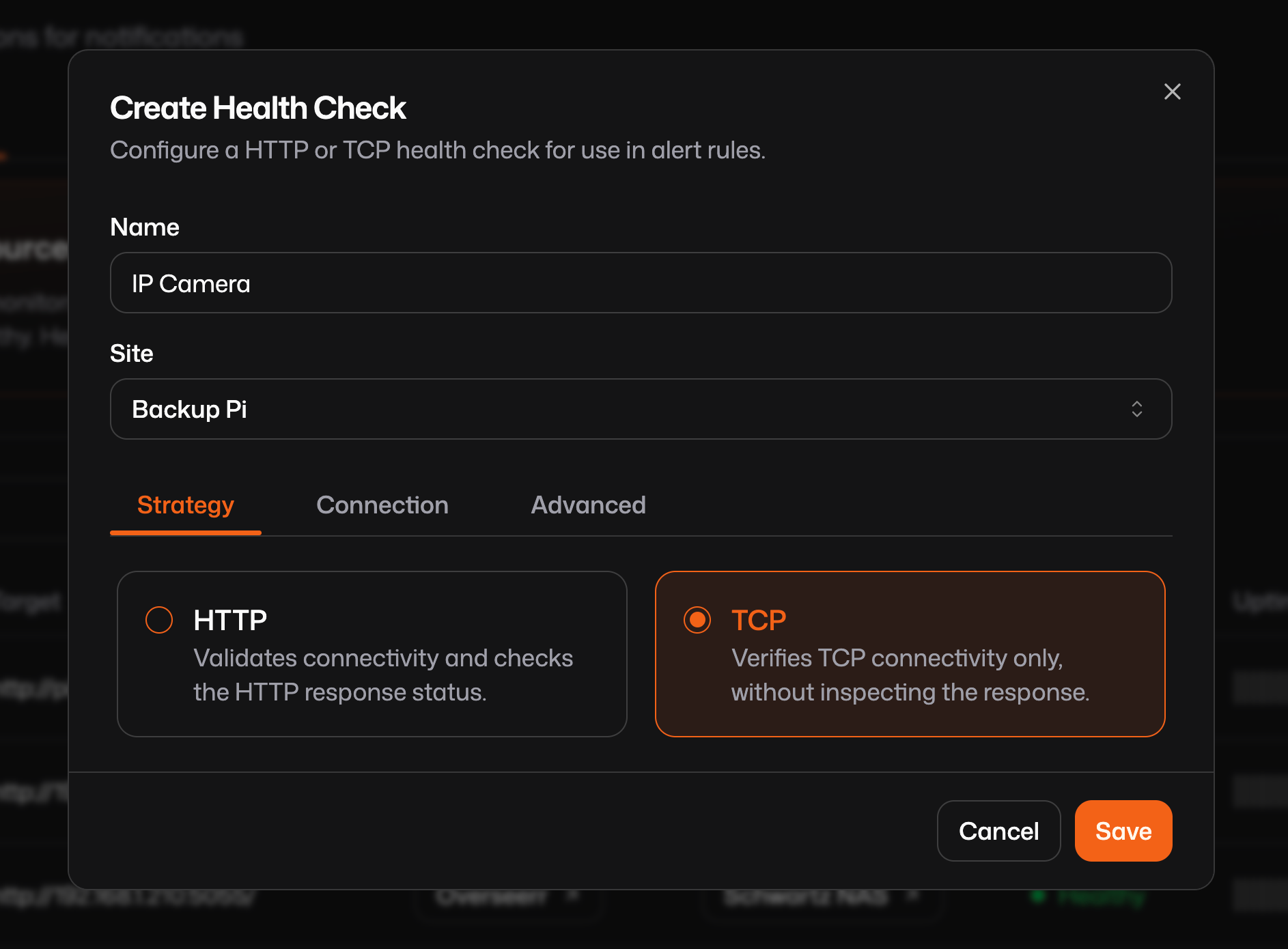
Public resource target health checks support the same two probe types used by arbitrary health checks:
- HTTP checks: request a URL and evaluate response behavior (for example status code).
- TCP checks: attempt a TCP connection to a host and port without HTTP semantics. This is useful for non-HTTP services where you only need to verify the port is reachable.
Configure health checks on a target
- Open a public resource in the dashboard.
- In the targets table, open the health check settings for the target.
- Configure probe parameters and thresholds.
- Save.
Each target can have its own health check settings.
Common parameters
Some of the most important settings to tune are:
healthy interval: how often Pangolin probes when a target is currently healthy.unhealthy interval: how often Pangolin probes when a target is currently unhealthy (usually shorter for faster recovery detection).healthy threshold: how many consecutive successful checks are required before marking a target healthy again.unhealthy threshold: how many consecutive failed checks are required before marking a target unhealthy.timeout: maximum time a probe can take before it is treated as failed.- HTTP-specific fields: probe scheme (
http/https), path, method, headers, and expected status codes.
Use intervals and thresholds together to avoid flapping: short transient blips should not immediately eject a target, and recovery should be confirmed before re-entry.
The dashboard includes additional health-check options beyond the examples above. Use this section as a starting point and refer to the full UI field set when configuring production checks.
Public resource failover patterns
Multi-target redundancy
Use multiple targets for the same service. If one goes unhealthy, traffic continues to healthy targets.
Resource: web-application
├── Target 1: web-01.local:8080 (Site A) - Healthy
├── Target 2: web-02.local:8080 (Site A) - Unhealthy
└── Target 3: web-03.local:8080 (Site B) - Healthy

Traffic routes to: Target 1 & Target 3 only
Cross-site failover
Distribute targets across multiple sites to protect against site-level failures.
Resource: api-service
├── Primary Site Targets
│   ├── api-01.primary:8443 - Healthy
│   └── api-02.primary:8443 - Healthy
└── Backup Site Targets
    ├── api-01.backup:8443 - Healthy
    └── api-02.backup:8443 - Healthy

All targets receive traffic via load balancing
If a whole site fails, only targets from reachable sites continue receiving traffic until health recovers.
Related alerting and arbitrary checks
This page covers health checks attached to public resource targets (available in all editions).
If you need centralized visibility across checks, standalone non-resource checks, or notifications:
- See Alerting health checks for org-level health-check visibility and arbitrary health checks.
- See Alert rules to notify email, webhooks, and integrations when health state changes.
Was this page helpful?