

Advanced Configuration
Enable Integration API
Enable and configure the Integration API for external access
The Integration API provides programmatic access to Pangolin functionality. It includes OpenAPI documentation via Swagger UI.
Enable Integration API
Update your Pangolin configuration file:
flags:
  enable_integration_api: true
If you want to specify a port other than the default 3003, you can do so in the config as well:
server:
  integration_port: 3003 # Specify different port
Configure Traefik Routing
Add the following configuration to your config/traefik/dynamic_config.yml to expose the Integration API at https://api.example.com/v1:
  routers:
    # Add the following two routers
    int-api-router-redirect:
      rule: "Host(`api.example.com`)"
      service: int-api-service
      entryPoints:
        - web
      middlewares:
        - redirect-to-https
        - badger # If you have Badger >=1.3.0 and it's enabled in the middlewares section of the dynamic config

    int-api-router:
      rule: "Host(`api.example.com`)"
      service: int-api-service
      entryPoints:
        - websecure
      tls:
        certResolver: letsencrypt

  services:
    # Add the following service
    int-api-service:
      loadBalancer:
        servers:
          - url: "http://pangolin:3003"
Access Documentation
Once configured, access the Swagger UI documentation at:
https://api.example.com/v1/docs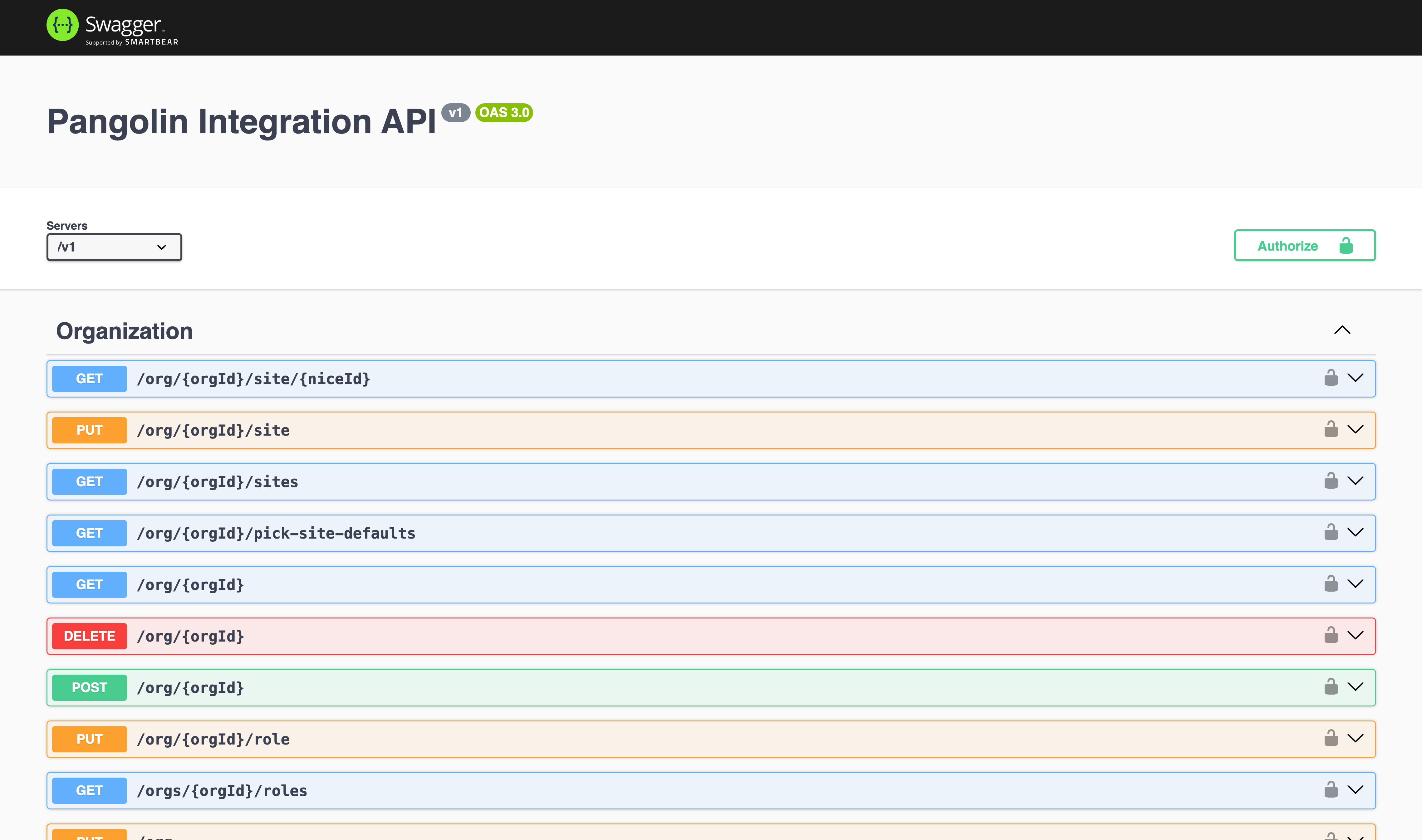
The Integration API will be accessible at https://api.example.com/v1 for external applications.
Was this page helpful?