

Health Checks
Monitor reachability and response for public resource targets and arbitrary endpoints from your sites
A health check is a periodic probe that decides whether something on your network is up and responding the way you expect. Pangolin runs these checks from your sites so they reflect reachability from the connector’s perspective, not only from wherever an administrator happens to be.
Health Checks on Public Resource Targets
You can attach health checks to individual targets on public resources. When a target fails its health check, Pangolin treats it as unhealthy: it is removed from rotation and load balancing until it passes again, so traffic is not sent to a broken upstream. That behavior is configured per target alongside your proxy settings.
For step-by-step setup, states (healthy / unhealthy / unknown), and routing implications, see Health checks & failover.
Health Checks in Alerting
Under Alerting → Health checks for your organization, you get a single view of health checks tied to public resource targets, so you can see status across resources without opening each resource separately.
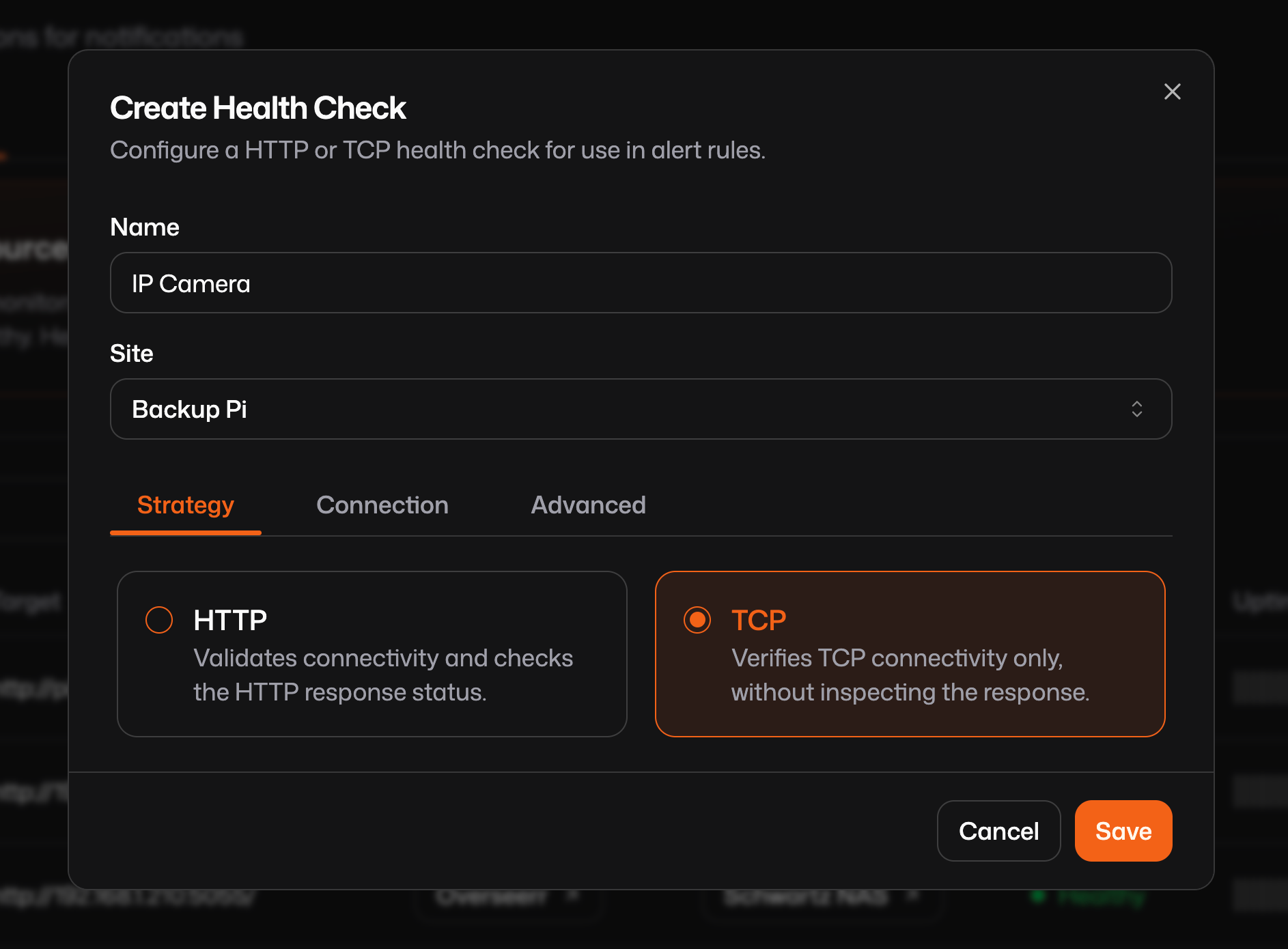
Arbitrary Health Checks
Arbitrary health checks are only available in Pangolin Cloud and Enterprise Edition. Health checks attached to public resource targets are available in all editions.
In addition to target-linked checks, you can create standalone health checks that are not attached to any routable resource target. They work the same way at the probe layer, with the same protocols and timing concepts, but only represent reachability for an address your sites can reach (for example an IP or hostname on a remote LAN). You choose which site runs the check so it stays within an addressable range for that connector.
These are useful when you care about whether a system is up, even if it is not modeled as a Pangolin resource like a network printer, an IP camera, a legacy server, or anything else that should be watched from the site’s network. Pair them with Alert rules to send notifications when something goes unhealthy or recovers.
Check Types
There are two kinds of checks: HTTP and TCP.
HTTP
An HTTP health check issues an HTTP or HTTPS request to a URL you specify. You can tune the scheme (http or https), HTTP method (for example GET or POST), path, headers, expected status codes, and anything else needed to match how the service exposes a liveness endpoint. Success means the response satisfies your criteria (including status code and optional body rules, depending on configuration).
TCP
A TCP health check does not speak application data: it tries to open a TCP connection to a host and port. If the TCP handshake completes, the check is treated as passing; if nothing answers or the connection is refused or times out, it fails. That is ideal for services that only expose a plain port (databases, cameras, PLCs) or when you only care that the host is reachable on a given port.
Timing and Thresholds
Both HTTP and TCP checks support configuration for how often probes run when things are healthy versus when they are failing, how many successes or failures are required before flipping state, and related tuning (for example healthy interval, unhealthy interval, healthy threshold, unhealthy threshold). Exact field names appear in the dashboard; the intent is to avoid flapping—brief blips should not instantly mark a host down, and recovery should be confirmed before treating it as fully healthy again.
How the pieces fit together
- Target-linked health checks on public resources drive routing: unhealthy targets drop out of the pool until they recover.
- Arbitrary checks track reachability for addresses your sites can reach—dashboard visibility and Alert rules—even when there is no Pangolin resource for that system.
Was this page helpful?