

Integration API
Learn how to use Pangolin's REST API to automate and script operations with fine-grained permissions
The API is REST-based and supports many operations available through the web interface. Authentication uses Bearer tokens, and you can create multiple API keys with specific permissions for different use cases.
For Pangolin Community Edition, the integration API must be enabled. Check out the documentation for how to enable the integration API.
Authentication
All API requests require authentication using a Bearer token in the Authorization header:
curl -H "Authorization: Bearer YOUR_API_KEY" \
  https://api.example.com/v1/
API Key Types
Pangolin supports two types of API keys with different permission levels:
Organization API Keys
Organization API keys are created by organization admins and have limited scope to perform actions only in that organization.
Root API Keys
Root API keys have some extra permissions and can execute operations across orgs. They are only available in the Community Edition Pangolin:
Root API keys have elevated permissions and should be used carefully. Only create them when you need server-wide access.
Creating API Keys
Access the admin panel
Navigate to your admin panel:
- Organization keys: Organization → API Keys
- Root keys: Server Admin → API Keys (self-hosted only)
Generate a new key
Click "Create API Key" and provide a descriptive name for the key.
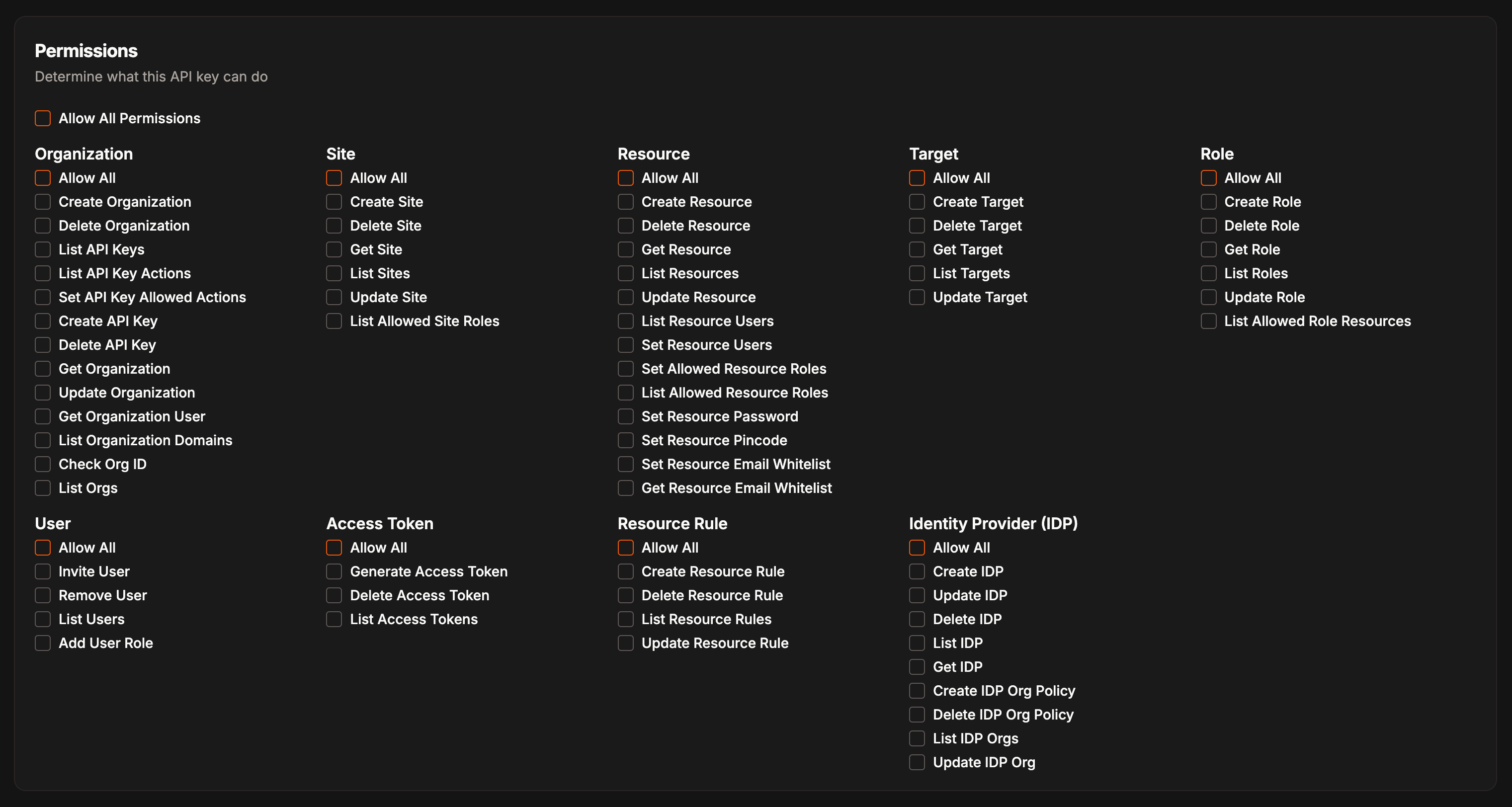
Configure permissions
Select the specific permissions your API key needs from the permissions selector.
Copy and secure your key
Copy the generated API key immediately. It won't be shown again.
Store API keys securely and never commit them to version control. Use environment variables or secure secret management.
API Documentation
View the Swagger docs here: https://api.pangolin.net/v1/docs.
Interactive API documentation is available through Swagger UI:
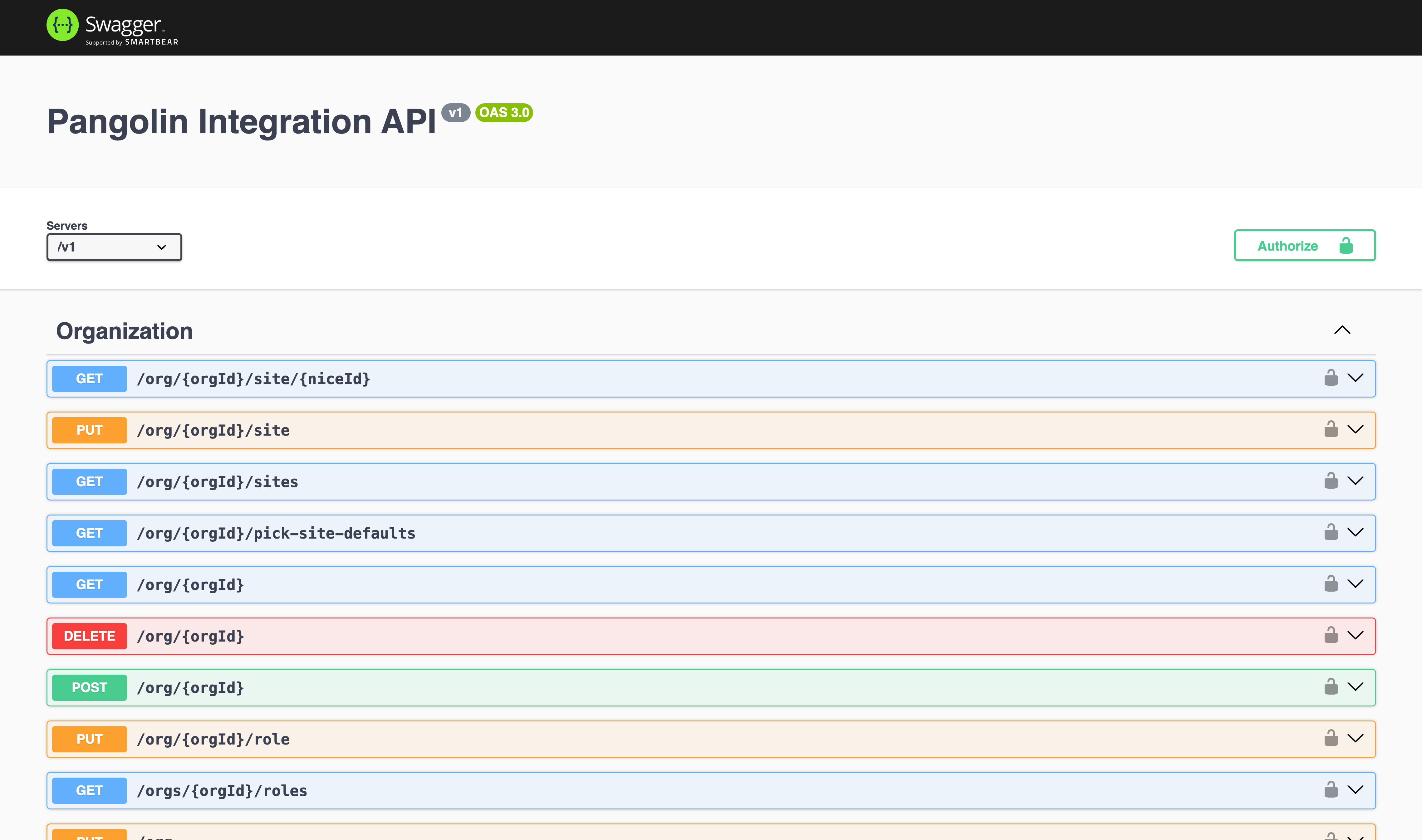
For self-hosted Pangolin, access the documentation at https://api.your-domain.com/v1/docs.