

Clients
Archiving & Blocking
Manage clients and block unwanted connections
Blocking Devices
To block a device that has been compromised or lost:
- Navigate to the device in your client list
- Click the Action Menu (three dots)
- Select Block
When you block a device, it is immediately moved to a restricted list and loses access to all resources or the ability to connect.
Archiving Devices
Devices cannot be permanently deleted from Pangolin. Instead, you can archive devices to remove them from your active client list.
To archive a device:
- Navigate to the device in your client list
- Click the Action Menu (three dots)
- Select Archive
Why Archive Instead of Delete?
Pangolin maintains a permanent audit trail of all devices that have accessed your resources. This ensures:
- Block rules remain effective even for archived devices
- Security logs and access history are preserved
Archiving keeps your interface clean by hiding inactive or duplicate devices while maintaining the integrity of your security records.
Filtering
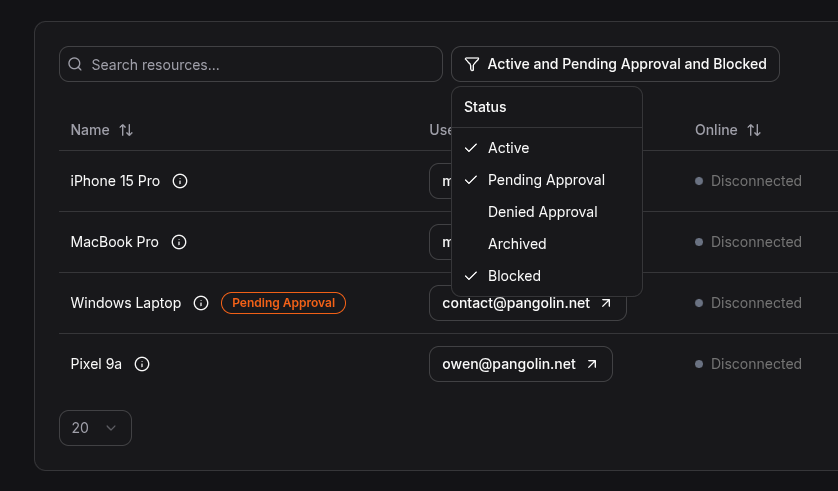
You can filter your client list to show only active, blocked, or archived devices.
Was this page helpful?