

Access Control
Custom Login Page
Configure a custom authentication page URL for your organization
Custom auth pages are only available in Pangolin Cloud.
Custom organization authentication pages let you serve the login page at your own domain instead of the default app.pangolin.net. This provides better user experience and brand consistency.
Benefits
For Resource Authentication:
- Users are redirected to your custom domain for login
- Familiar domain builds trust and security awareness
- Consistent branding throughout the authentication flow
For Identity Provider Integration:
- Centralized login page for your organization
- Choose between multiple login methods (Google, Azure, etc.)
- Platform SSO: login once, access all Pangolin resources
- Direct access to the Pangolin management dashboard
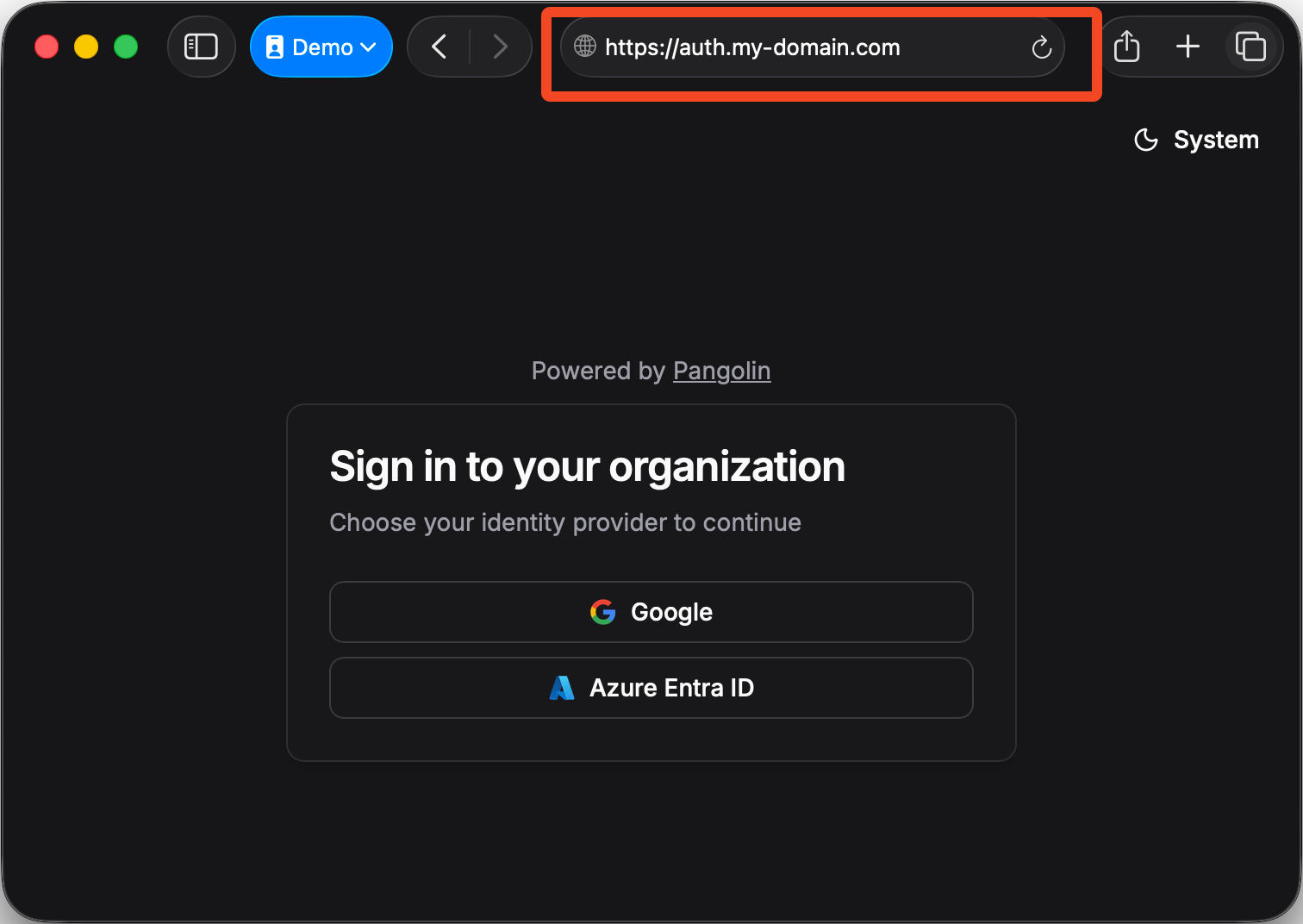
Configuration
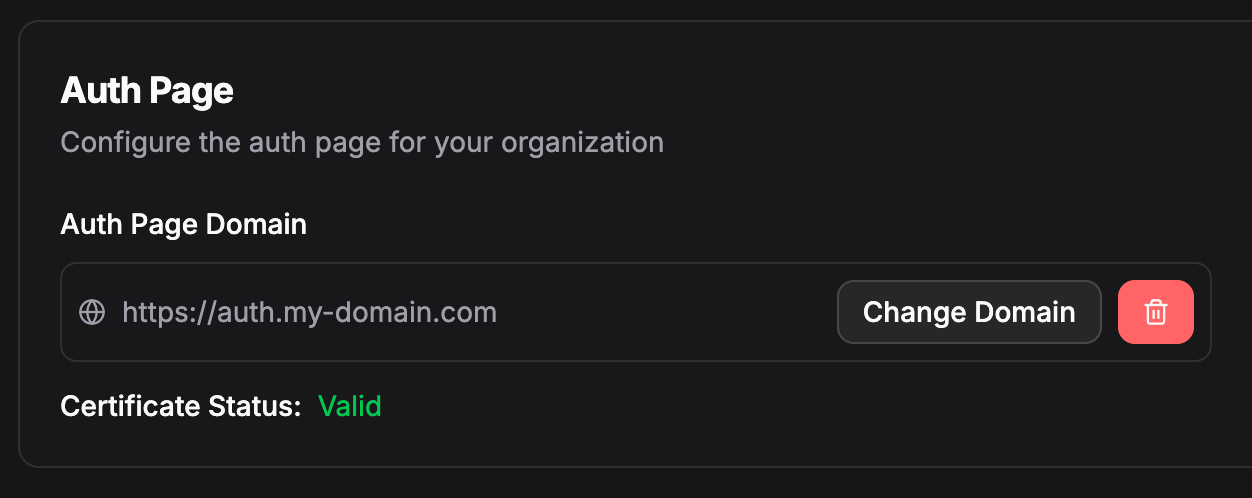
- Go to Settings in your organization sidebar
- Use the domain picker to select your custom domain
- Save your changes
You need to add a custom domain to your organization first. Free domains (*.tunneled.to, *.hostlocal.app, etc.) cannot be used for auth pages. Learn how to add domains
Was this page helpful?